You bought some Bitcoin, Ethereum, or maybe a new altcoin. The excitement fades, and a quiet panic sets in. Where do you put this stuff? Is it safe in the app you bought it from? I've seen too many stories end badly—hacks, lost passwords, forgotten keys. Let's cut through the jargon and build a storage setup that lets you sleep at night.
What You'll Learn Today
It's Not a Coin Pouch: How Crypto Wallets Really Work
First, forget the name "wallet." It's misleading. Your crypto isn't in your MetaMask or Ledger. It's on the blockchain, a giant public ledger. What a wallet actually stores are your private keys—the cryptographic passwords that prove you own those blockchain entries and allow you to send them.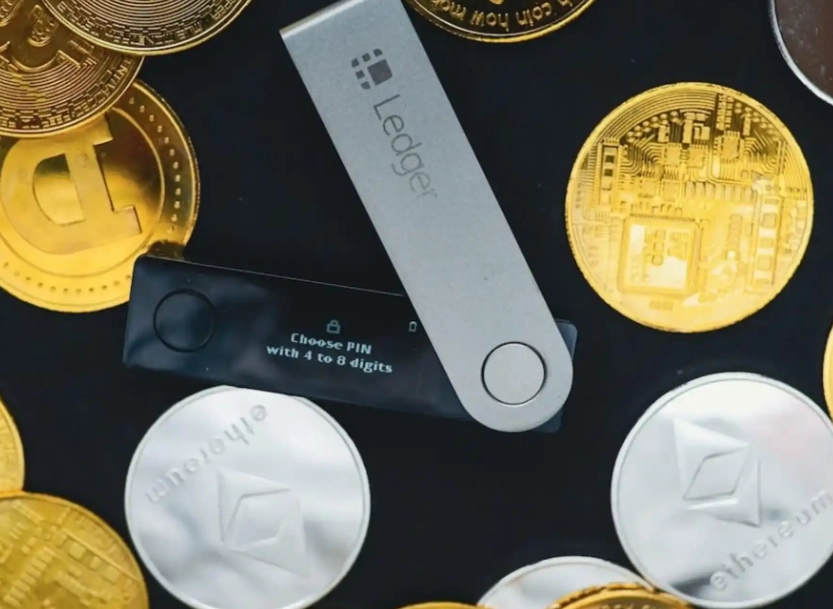
Who controls these keys? That's the central question of crypto security.
Hot Wallets vs. Cold Wallets: The Eternal Trade-Off
All storage methods fall into two camps: hot and cold. The difference is simple: is the private key connected to the internet?
Hot Wallets: Convenient but Vulnerable
These are connected. They're software—apps on your phone (Trust Wallet, Exodus) or browser extensions (MetaMask). They're perfect for small amounts you use frequently, like paying for things or trading.
But they have a big attack surface. Malware on your computer, a clever phishing site, or a vulnerability in the app itself can leak your keys. I use a hot wallet, but I never keep more in it than I'd be comfortable carrying in my physical wallet.
Cold Wallets (Hardware Wallets): Your Digital Safe
This is where you store serious value. A hardware wallet is a dedicated physical device (like a USB stick) that generates and stores your keys offline. When you need to sign a transaction, you connect it, approve the action physically with a button, and it signs it offline before broadcasting.
The key never leaves the device. Even if you plug it into a malware-infested computer, your funds are safe. Brands like Ledger and Trezor are the gold standards. They cost between $70 and $200. Think of it as insurance.
There's also "paper wallets"—literally printing your keys on paper. They're cold, but fragile and easy to mess up during creation. I don't recommend them for beginners.
>| Storage Type | Examples | Best For | Key Risk |
|---|---|---|---|
| Exchange Wallet (Custodial) | Coinbase, Binance, Kraken | Active trading, beginners | Platform hack, regulatory seizure |
| Software Wallet (Hot, Non-Custodial) | MetaMask, Exodus, Trust Wallet | Daily use, DeFi, small balances | Device malware, phishing, user error |
| Hardware Wallet (Cold, Non-Custodial) | Ledger Nano, Trezor Model T | Long-term savings, large holdings | Physical loss/damage, seed phrase compromise |
Your Step-by-Step Security Setup
Let's build your fortress. Follow this order.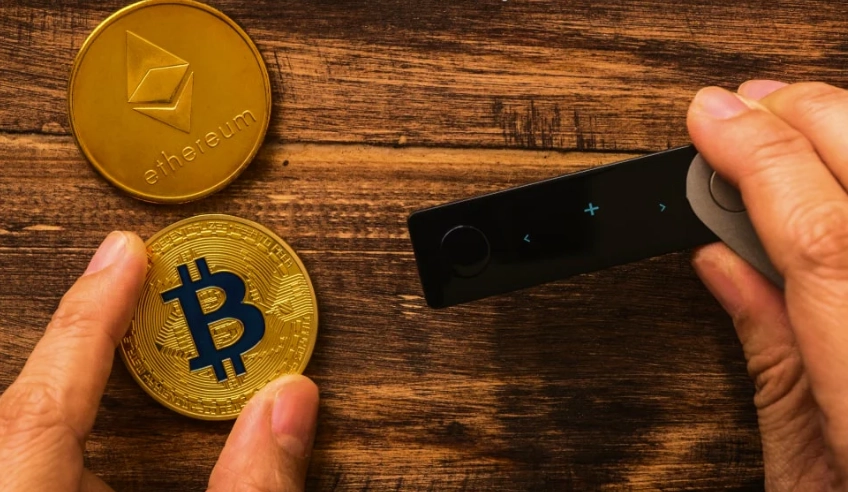
Step 1: The Foundation – Buy and Initialize a Hardware Wallet
Buy directly from the manufacturer's website, never a third-party seller on Amazon or eBay. You don't want a pre-tampered device. When you get it, the device will generate a recovery seed phrase (12 or 24 random words).
This phrase is the master key to your entire wallet. The device itself can be replaced; this phrase cannot.
Step 2: The Backup – Protecting the Seed Phrase
Write it down on the provided card, then store it. One copy isn't enough. Fire, flood, a curious pet—things happen.
- Multiple Copies: Write it on two or three pieces of paper. Store them in separate, secure physical locations (e.g., a home safe and a safety deposit box).
- Metal Backup: For ultimate durability, consider a steel seed storage plate like those from CryptoSteel or Billfodl. It's fireproof and waterproof.
- Test the Recovery: Before sending any crypto to it, reset your hardware wallet and restore it using the seed phrase. This proves you wrote it down correctly and can use it.

Step 3: Layered Defenses – PINs, Passphrases, and 2FA
Your hardware wallet will have a PIN. Make it strong, not 123456. Some wallets, like Trezor, offer an optional "passphrase"—a 25th word you memorize. This creates a hidden wallet. Even if someone finds your seed phrase, they can't access this hidden wallet without the passphrase.
For your exchange and hot wallet accounts, enable Two-Factor Authentication (2FA). Use an app like Google Authenticator or Authy, not SMS-based 2FA, which can be sim-swapped.
Beyond the Basics: Pitfalls Experts See Every Day
Here's where most guides stop. But the devil's in the details.
Mistake 1: The Half-Measure Hardware Setup. Someone buys a Ledger, sets it up, sends their life savings to it, and stores the seed phrase... in a document on their Google Drive. They've just moved their risk from the exchange to their email account. The hardware wallet is useless if the seed is online.
Mistake 2: Over-reliance on a Single Brand. What if Ledger goes out of business or their software has a critical bug? Your seed phrase is not brand-specific. It's based on an open standard (BIP39). You can restore it into a Trezor, a software wallet, or any compatible wallet. Don't feel locked in.
Mistake 3: Ignoring the "Receive-Only" Address Trick. For your long-term cold storage, consider generating a "receive-only" address from your hardware wallet on a permanently offline computer. You publicize this address to receive funds but need the physical device to send. It adds another layer between your cold vault and the online world.
Mistake 4: Estate Planning? What's That? If you get hit by a bus, your family may never access your crypto. They won't know it exists or how to find the keys. You need a secure, physical instruction letter (not detailing amounts, just how to access) stored with a will or a lawyer. It's uncomfortable but necessary.
Your Burning Questions Answered
The goal isn't to be paranoid, but to be prepared. Start small. Move a little crypto to a software wallet you control. Get comfortable. Then invest in a hardware wallet for your bigger stash. Security is a habit, built one step at a time. Now you have the map. Go lock it down.
Reader Comments