Quick Navigation
- What Does "Mining" Even Mean for a Beginner?
- Your Three Main Paths as a Beginner Miner
- Choosing Your First Miner: GPU vs. ASIC
- So, What Are the Best Cryptos to Mine for a Beginner in 2024?
- The Step-by-Step: How to Actually Start GPU Pool Mining
- Essential Tools and Calculators You Can't Ignore
- Common Beginner Questions (The Stuff You're Actually Thinking)
- Final Thoughts: What Truly is the Best Crypto Mining for Beginners?
Let's be real. When you first hear "crypto mining," you probably picture a basement full of whirring, hot machines making digital money out of thin air. And honestly, that image isn't totally wrong for the big players. But for someone just starting out? That's a surefire way to get overwhelmed, waste money, and give up. I know because I almost did.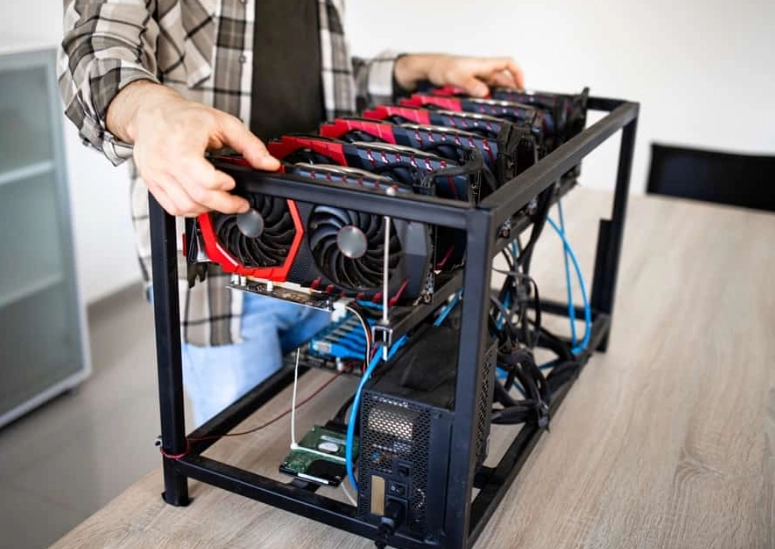
The truth about finding the best crypto mining for beginners isn't about chasing the highest possible profit from day one. It's about understanding your options, starting small, and not losing your shirt in the process. This guide is what I wish I had when I started – no confusing jargon, no promises of getting rich overnight, just a straight talk about how you can actually get involved.
Quick Reality Check: Mining is not a guaranteed money printer. It's a competitive business with electricity costs, hardware expenses, and coin prices that love to jump around. Your goal as a beginner should be learning, minimizing risk, and seeing if it's something you enjoy tinkering with.
What Does "Mining" Even Mean for a Beginner?
Before we dive into the best crypto mining for beginners, let's strip the concept down. Think of a giant, public ledger (the blockchain) that records every transaction for a cryptocurrency like Bitcoin. Miners are the bookkeepers. They use computers to solve incredibly complex math puzzles. The first to solve it gets to add a new "page" (block) to the ledger and is rewarded with some new cryptocurrency.
That's the core of it. You're providing security and processing power to the network and getting paid for it. The tricky part now is that solving these puzzles requires insane amounts of computing power. A regular laptop won't cut it for Bitcoin anymore. That's why you need a strategy.
Your Three Main Paths as a Beginner Miner
This is the big decision. Each path has a totally different feel, cost, and learning curve. I've tried all three, and they're not created equal.
Cloud Mining: The Hands-Off (But Risky) Route
You rent mining power from a company that owns the actual hardware. You don't buy any equipment, deal with noise, heat, or electricity bills (directly). You just pay for a contract and (hopefully) get a slice of the rewards.
The Good: Unbelievably easy to start. Literally just sign up and buy a contract. Zero tech hassle. Great for pure speculation on hash power.
The Bad (and it's significant): This area is filled with scams. You have to trust the company completely. If they shut down or run off with your money, you're done. Profits are usually lower because they take a cut. Contracts can become unprofitable if crypto prices drop. I got burned on a small contract early on with a now-defunct service. Lesson learned.
Verdict: Can be part of a beginner's strategy for pure exposure, but never invest more than you can afford to lose, and stick to the most reputable, long-standing providers. Do your homework like crazy.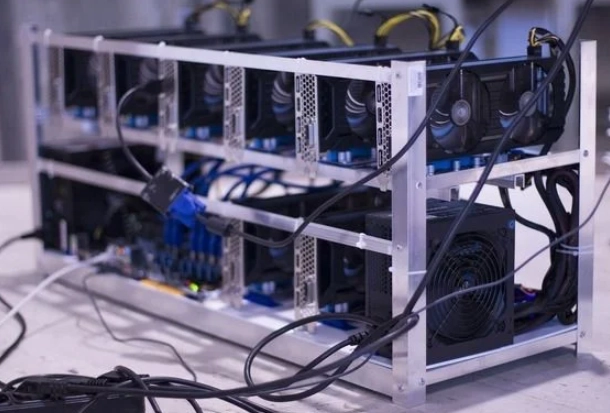
Pool Mining: The Team Player Approach
This is how most solo miners operate today. You join a "pool" with thousands of other miners. You all combine your computing power to solve blocks more consistently. When the pool wins a reward, it's split among members based on how much power they contributed.
The Good: You get smaller, but much more frequent and predictable payouts. It makes mining with a single GPU or a small ASIC miner actually viable. You're part of a community. This is the heart of decentralized mining.
The Bad: You still need to buy and run your own hardware. You have to manage it, troubleshoot it, and pay your own electricity bill. Pools take a small fee (usually 1-3%).
Verdict: In my opinion, this is the best crypto mining for beginners who want to truly learn and get hands-on. You understand the technology, you own your gear, and you're directly supporting the network. The learning curve is worth it.
Solo Mining: The Lottery Ticket
You go it alone with your own equipment, trying to solve a block all by yourself. If you have a massive mining farm, this is possible. For a beginner?
Just don't. The chances of you ever finding a block with a beginner setup are astronomically low. You could go years without a single payout. It's a complete non-starter.
Verdict: Forget this exists for now.
So, between Cloud and Pool mining, the most educational and generally reliable path for a newbie is Pool Mining. It's the core of what we'll focus on for building your own setup.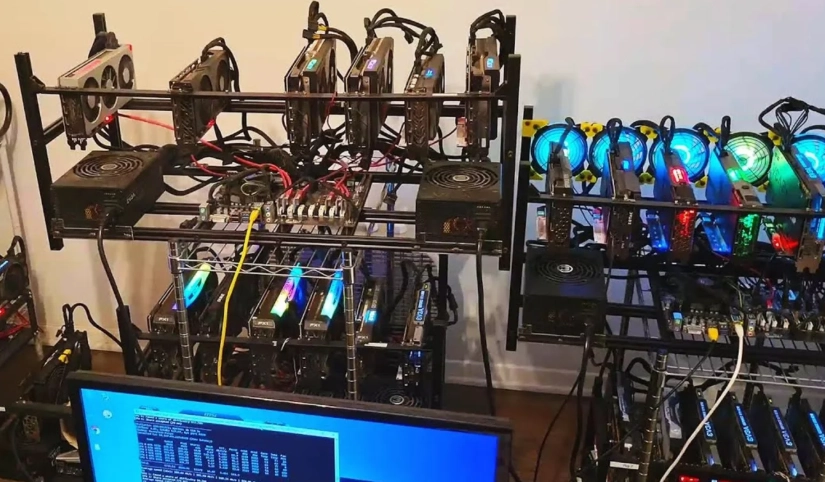
Choosing Your First Miner: GPU vs. ASIC
Once you pick pool mining, you need a machine. Here’s the classic debate.
| Feature | GPU Miner (e.g., NVIDIA RTX 4070, AMD RX 7800 XT) | ASIC Miner (e.g., Bitmain Antminer S19 series) |
|---|---|---|
| What it is | A graphics card from a gaming PC. | A machine built to do ONLY one thing: mine a specific algorithm. |
| Flexibility | High. Can mine many different coins and switch easily. Can also be used for gaming or resold to gamers. | Very Low. An ASIC built for Bitcoin's SHA-256 algorithm can ONLY mine coins using that algorithm. It's a dedicated brick. |
| Noise & Heat | Moderate. A single card in your PC is manageable in a living space. | Extreme. Sounds like a jet engine. Needs dedicated, ventilated space (garage, basement). |
| Entry Cost | Lower. You can start with one ~$500 GPU in an existing PC. | Higher. A new ASIC costs $2,000+. You also need a strong power supply and ventilation setup. |
| Efficiency | Less efficient for specific algorithms. Higher electricity cost per unit of work. | Extremely efficient for its dedicated task. More hash power for less electricity. |
| Beginner Friendliness | High. Easier to source, set up, and live with. | Low. Logistics of power, noise, and heat are major hurdles. |
My take? For 99% of beginners looking for the best crypto mining for beginners setup, start with a GPU. The flexibility is a lifesaver. If the market for one coin crashes, you can point your GPU at another one overnight. An ASIC is a massive, loud, one-trick pony. You're betting everything on that one algorithm staying profitable. I bought a cheap, used ASIC once. The noise drove my household crazy within hours, and the profit vanished when the difficulty spiked. Sold it at a loss.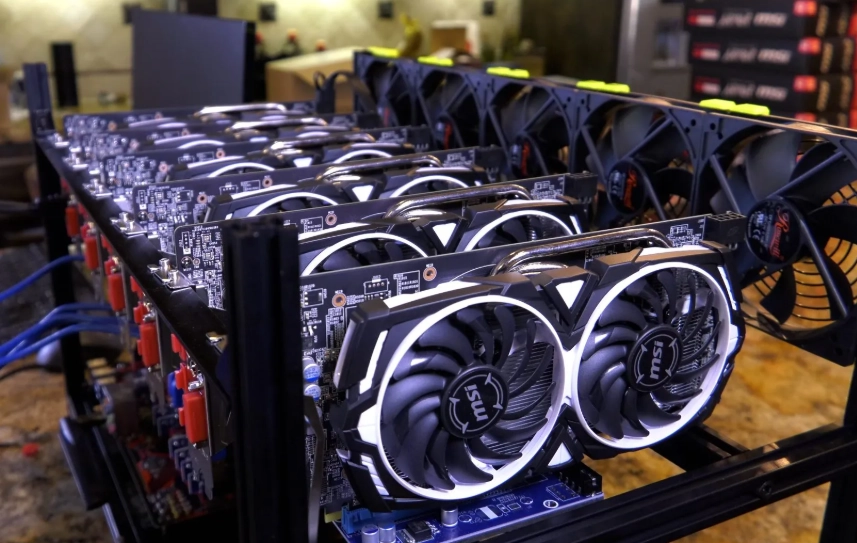
So, What Are the Best Cryptos to Mine for a Beginner in 2024?
This changes all the time based on price, mining difficulty, and your hardware. But as of right now, here are some realistic contenders for a beginner with 1-2 GPUs. Forget trying to mine Bitcoin or Ethereum directly with a GPU—their difficulty is way too high. We're looking at other coins.
You'll need to use a profitability calculator like the one on WhatToMine (an essential, trustworthy tool—bookmark it). You input your GPU model, electricity cost, and it tells you the estimated daily profit for different coins.
Some coins that often pop up for GPU miners:
- Ethereum Classic (ETC): The original chain after Ethereum moved to Proof-of-Stake. Still uses GPU-minable algorithm (Etchash). A popular choice with decent liquidity.
- Ravencoin (RVN): Designed to be ASIC-resistant, so it's meant to stay mineable by GPUs. Has a dedicated community.
- Ergo (ERG): Another project built to be ASIC-resistant. It's less known but has a strong focus on decentralization and long-term GPU mining.
- Vertcoin (VTC): The literal slogan is "The People's Coin" because it's designed to fight ASICs and stay mineable on everyday computers.
- Monero (XMR): A privacy coin that uses the RandomX algorithm, which is optimized for CPUs (and GPUs to a lesser extent). You can actually mine this with a good computer processor, which is a unique option.
⚠️ Critical Step: Before you commit to any coin, plug your exact hardware and your local electricity cost (check your bill—it's usually cents per kWh) into WhatToMine. A coin that's profitable for someone with $0.05/kWh power could be a money-loser for you at $0.15/kWh. This is the #1 mistake beginners make.
The Step-by-Step: How to Actually Start GPU Pool Mining
Let's make this concrete. Here's exactly what you'd do to mine, say, Ravencoin today.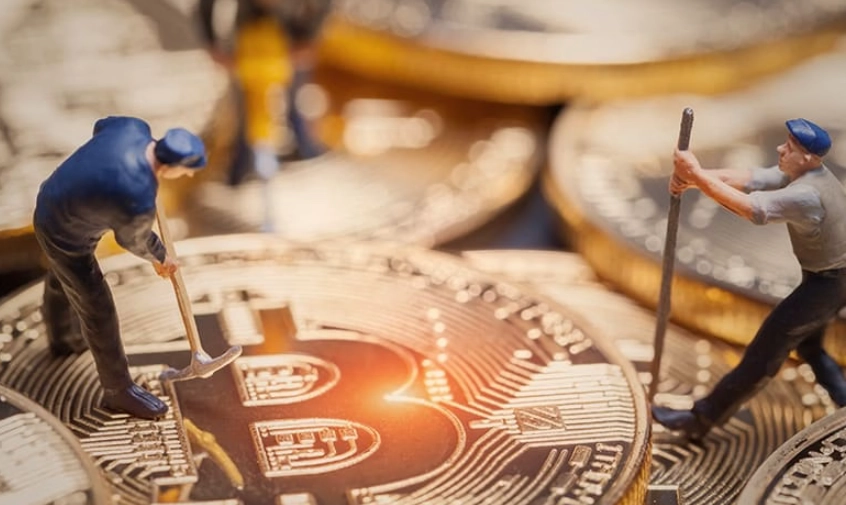
1. Get Your Hardware Ready
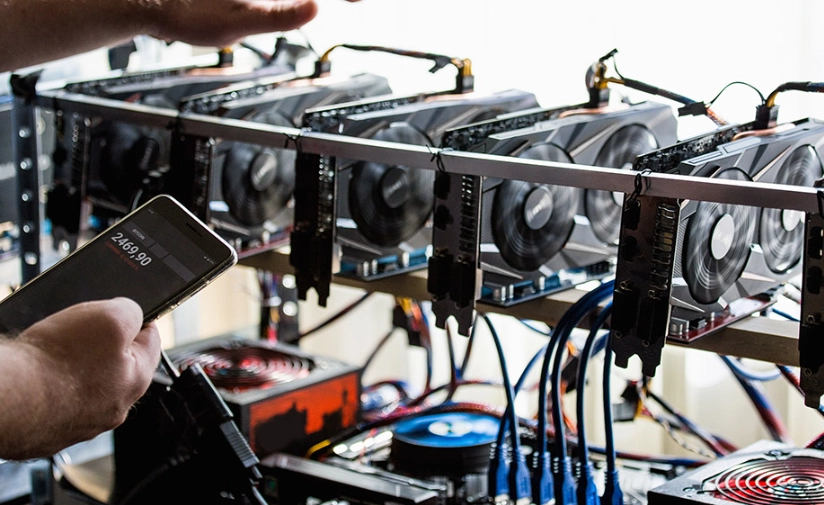
You need a desktop PC with a decent GPU (like an NVIDIA GTX 1660 Super or better, or an AMD RX 6600 or better). Make sure your PC's power supply can handle it and you have good airflow. Clean out the dust!
2. Get a Crypto Wallet
You need a place to receive your mining rewards. Never use an exchange address for pool payouts. Get a non-custodial wallet where you control the keys. For beginners, software wallets like Exodus (user-friendly) or Atomic Wallet are good starts. For maximum security, a hardware wallet like Ledger or Trezor is the gold standard, but that's a later upgrade.
3. Choose a Mining Pool
For Ravencoin, pools like 2Miners, Flypool (by the same team behind Ethermine), or Ravenminer are popular. Go to their website. Look for the "Getting Started" or "Help" section. They will list their pool address (like rvn.2miners.com:6060) and have guides.
4. Download Mining Software
This is the program that connects your GPU to the pool. It's not malware, but some antivirus software might flag it. You'll need to add an exception. Popular options:
- For NVIDIA GPUs: T-Rex Miner or GMiner.
- For AMD GPUs: TeamRedMiner or LolMiner.
Download from the official GitHub page (linked from the pool's help page) to avoid fake, virus-laden sites.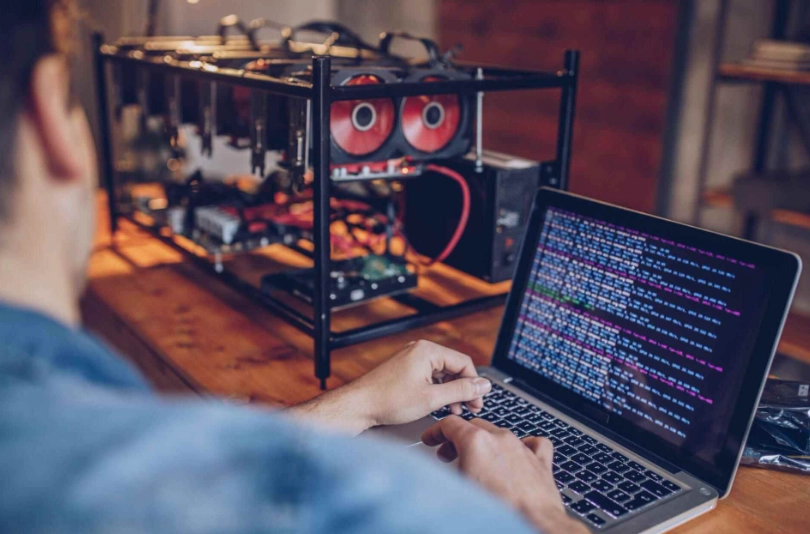
5. Configure and Run
This looks technical but is just copy-paste. The pool's guide will give you a sample .bat file. You'll open Notepad, paste something like this, and edit your wallet address:
Save it as start.bat in the same folder as the mining software. Double-click it. A command window opens, and you'll see it connecting to the pool and starting to submit "shares." That's it. You're mining.
6. Monitor and Withdraw
Go to the pool's website and type your wallet address into their stats page. You'll see your hashrate, pending balance, and estimated earnings. Most pools have a minimum payout (e.g., 10 RVN). Once you mine enough, they'll send it automatically to your wallet.
See? It's a bit of setup, but it's not rocket science. This hands-on process is, to me, the real best crypto mining for beginners experience.
Essential Tools and Calculators You Can't Ignore
- WhatToMine: Your profitability bible. Use it constantly.
- NiceHash Calculator: Another good one, especially if considering NiceHash's "hashpower marketplace" model.
- Pool Websites: Their own calculators are tuned to their specific fees and systems.
- A Kill-A-Watt Meter: A $20 device you plug between your PC and the wall. It tells you exactly how many watts your mining rig is pulling. This is crucial for accurate profit calculation.
Common Beginner Questions (The Stuff You're Actually Thinking)
Final Thoughts: What Truly is the Best Crypto Mining for Beginners?
If I had to give one blueprint to a friend asking me today:
Start by using the PC you already have. Get a wallet. Pick a GPU-friendly coin like Ravencoin or Ergo. Find a reputable pool for it. Download the right miner. Run the profitability numbers with your real electricity cost. If it looks like you'll break even or make a tiny profit, run it for a week. See how it feels. Learn to monitor it.
That initial, low-risk experimentation is the best crypto mining for beginners. You'll learn more in that week than reading a hundred articles. You'll understand the rhythm of payouts, the impact of network difficulty, and whether you enjoy it.
Maybe you'll decide it's not worth the hassle and heat for the pennies. That's a valuable lesson! Maybe you'll get hooked on the tech, break even on electricity, and slowly accumulate coins you believe in. That's a win too.
The goal isn't to quit your job. The goal is to start learning in a way that won't ruin you. Now you've got the map. The rest is up to you.
Reader Comments